Valheim Console Commands Guide — Cheats, Debug Tools and the 1.0 Additions
Published 2026-09-237 min read
Valheim console commands explained: enabling devcommands, god mode, spawning items, teleporting, world debugging — plus every new command added in Valheim 1.0.
Valheim's console is a full debug toolkit — build-testing, rescue missions, screenshots and world debugging. This guide explains how to enable it, the commands worth memorizing, and the batch of new commands 1.0 added, from biome finders to cinematic camera tools.
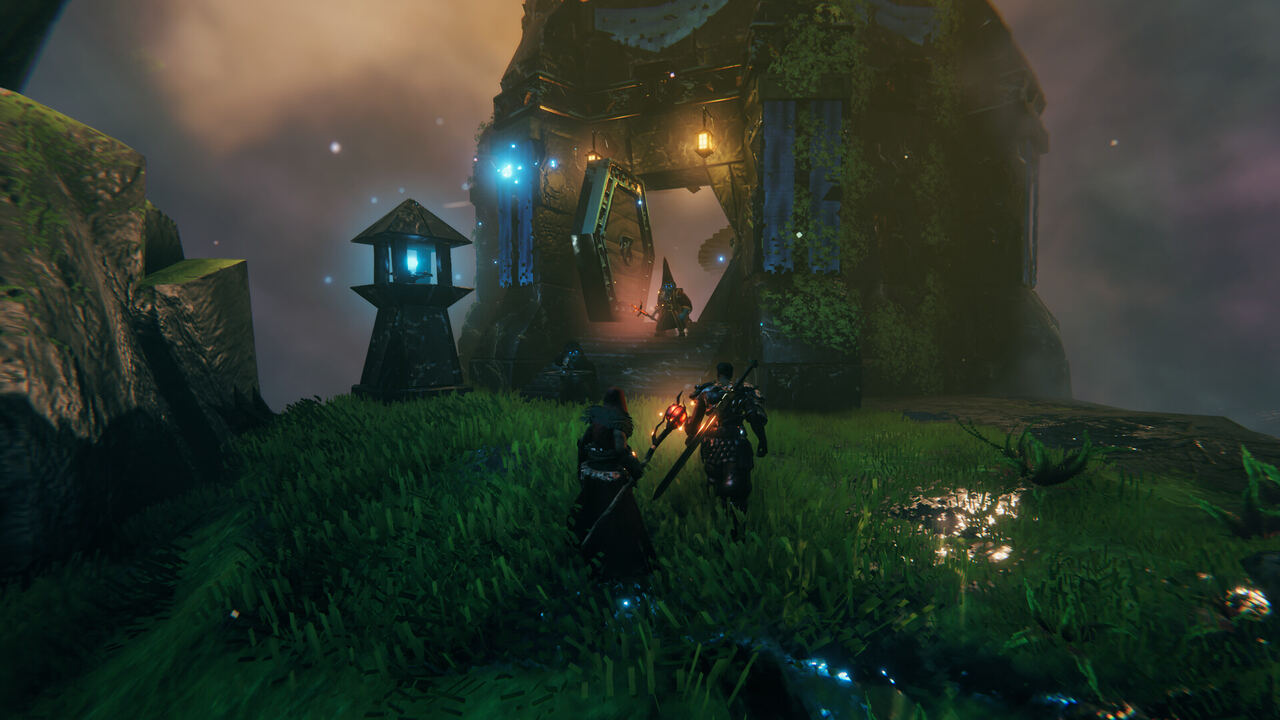
Enabling cheats
Open the console with F5, then type devcommands to unlock the cheat set. The game marks cheated items and tracks that cheats ran in the world — use a copy of your world or a throwaway save for experiments, and never on a server that advertises no-cheats play. Achievement-hunting worlds should stay clean; 1.0's new achievements command exists precisely to let testers manage achievement state.
The everyday toolkit
- god — invincibility; ghost — mobs ignore you.
- fly — free flight; the building inspector's best friend.
- pos — print coordinates; goto x z — teleport there.
- spawn [item] [count] — summon creatures or items for testing.
- exploremap / resetmap — reveal or re-fog the map; pair with wind and env to script weather for screenshots.
- sleep / skiptime / time — fast-forward the clock.
- tame / killall / removedrops / save — server-admin daily drivers.
- raiseskill / resetskill / resetcharacter — build-testing and second chances.
- hair, beard, model — appearance touch-ups without the barber.
New in Valheim 1.0
The 1.0 patch notes list a fresh batch of dev commands (full descriptions in the in-game help):
- World and biome tools:
biomeinfo,altbiomes,findbiome,findbiometp,height— inspect and teleport across biomes, including the new alternate-biome versions at the world's edges. - World-state tools:
snow,updatecover,pevents,haslocation— poke at 1.0's snow mechanics and event state directly. - Character and UI tools:
inventorysize,inventoryclean,clearpopups,resetbuildui,repairall. - Presentation tools:
cinematic,cinematicsleep— camera control for the screenshot-inclined. - Integrity tools:
confirmcheats,achievements,getstat— confirm cheat state, manage achievement state and query character stats.
Command etiquette
On servers, agree the policy before the first devcommands: which worlds allow god-mode building nights, which characters stay legit, and what happens to cheated items (1.0 marks them in tooltips and keeps them out of clean stacks). A console is a workshop tool — safe on the bench, dangerous waved around a shared table.
Keep reading: